

Doohoeek Travel Keyboard with Touchpad, Universal Compact Keyboard with Large Trackpad & Any-Angle Stand for Android/iOS/Windows, Dual-Device Bluetooth Keypad for Phones/Galaxy Z Fold/iPad mini
$39.99
Price when purchased online
Free shipping
Free 30-day returns
Sold and shipped by seanmas.com.au
We aim to show you accurate product information. Manufacturers, suppliers and others provide what you see here.
$39.99
Price when purchased online
Free shipping
Free 30-day returns
Sold and shipped by seanmas.com.au
Free 30-day returns Details
Product details
| Management number | 209096091 | Release Date | 2026/03/29 | List Price | $16.00 | Model Number | 209096091 | ||
|---|---|---|---|---|---|---|---|---|---|
| Category | |||||||||
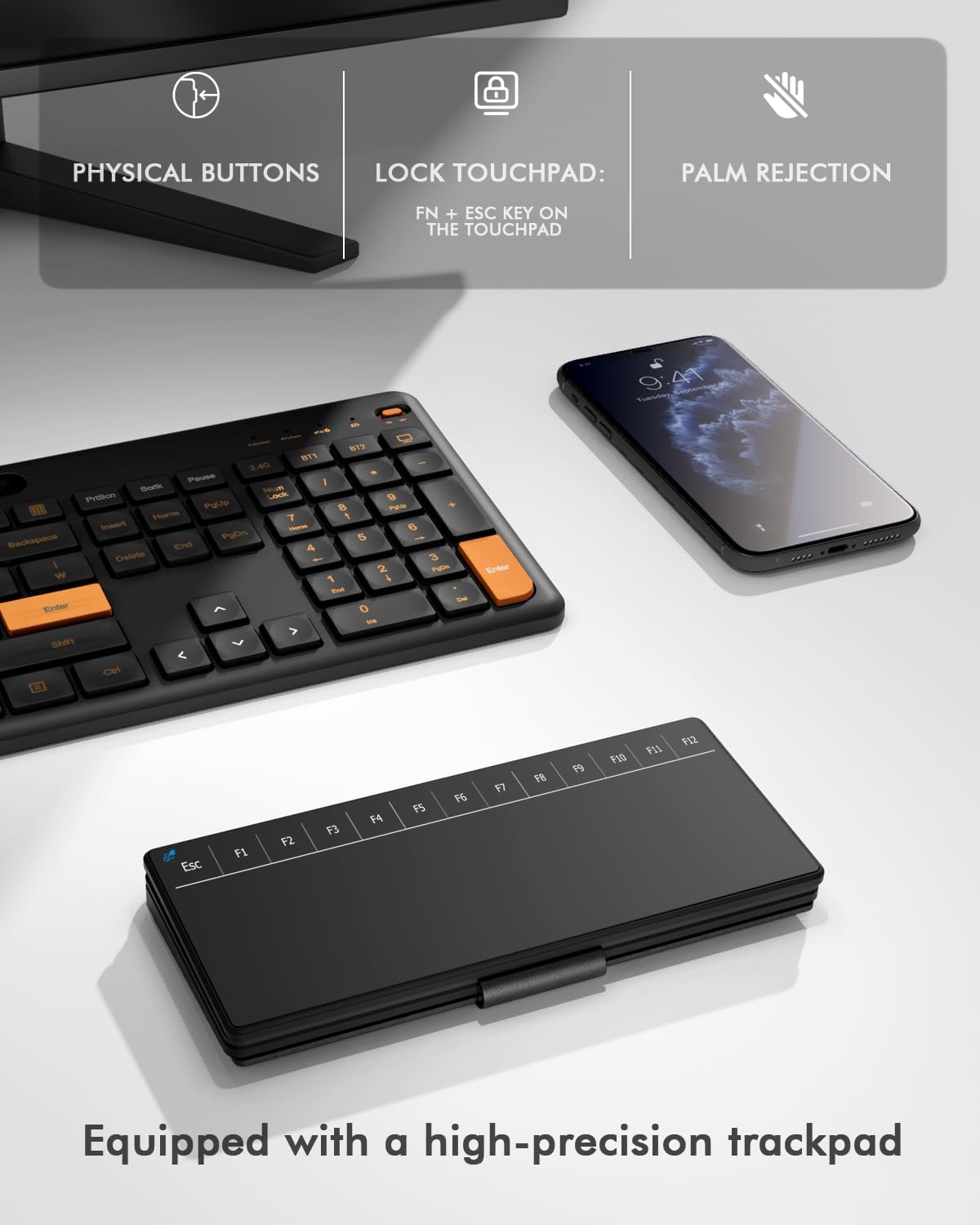
- All-in-One Productivity Keyboard: This upgraded version features a spacious, integrated touchpad, eliminating the need for a separate mouse. Combined with a full-size touchpad that includes a dedicated Fn row (F1-F12), it turns your tablet or phone into a true laptop replacement for work, study, or creative projects.
- Universal Compatibility & Smart Dual-Device Switch: (NOT work on TVs or Game Consoles) Enjoy seamless compatibility with Windows, iOS, Android, and more. The intelligent shortcut system auto-detects your OS, and you can effortlessly switch typing between two paired devices (like your phone and tablet) with a simple press of Fn + 1 or 2.
- High-Visibility Design for Efficient Typing: Bright orange accent keys highlight essential navigation clusters (arrows, functions), helping you locate them instantly to reduce errors and boost typing speed—ideal for long documents, coding, or data entry.
- Portable & Flexible Desktop Anywhere: Despite its expanded functionality, it remains highly portable. The built-in adjustable stand securely holds your device at the perfect viewing angle. Its sturdy yet flexible hinge allows it to fold compactly, making it your go-to setup for cafes, libraries, or travel.
- Easy Setup & Reliable Connection: Getting started is simple: 1) Turn on the keyboard; 2) Press Fn + "1"or"2" to enter pairing mode (indicator will flash); 3) Select “Wireless Keyboard” on your device's Bluetooth list. Need to reconnect? Just hold the first and last key on the top row for 3 seconds to reset.
| Brand | Doohoeek |
|---|---|
| Manufacturer | Doohoeek |
| BuiltIn Media | Keyboard x1, USB Cable, User Manual |
| Keyboard Layout | QWERTY |
| Compatible Devices | Bluetooth-Enabled Devices |
| Additional Features | Backlit, Integrated Stand, Lightweight, Portable |
| Keyboard Description | Doohoeek Travel Keyboard with Touchpad for Android/iOS/Windows |
| Warranty Description | 1 Year Warranty |
| Connectivity Technology | Bluetooth |



Correction of product information
If you notice any omissions or errors in the product information on this page, please use the correction request form below.
Correction Request Form